
Figma to WordPress Development Services for UK Businesses
Tell us a little about what you’re looking for, and our team will be in touch to discuss how we can help.
If your website design is already complete in Figma, the next challenge is turning it into a WordPress website that works as well as it looks. Prime Lion Digital provides Figma to WordPress development for businesses, designers and agencies that need an approved design implemented as a responsive, editable and maintainable website.
We review the supplied Figma file before development, identify page types and reusable components, clarify responsive behaviour and functionality, then build the WordPress implementation around the design rather than forcing the design into a generic template.
A good Figma handoff gives us the visual specification. Our job is to turn that specification into a working website with sensible WordPress architecture, practical content editing and consistent behaviour across screen sizes.
What Our Figma to WordPress Service Includes
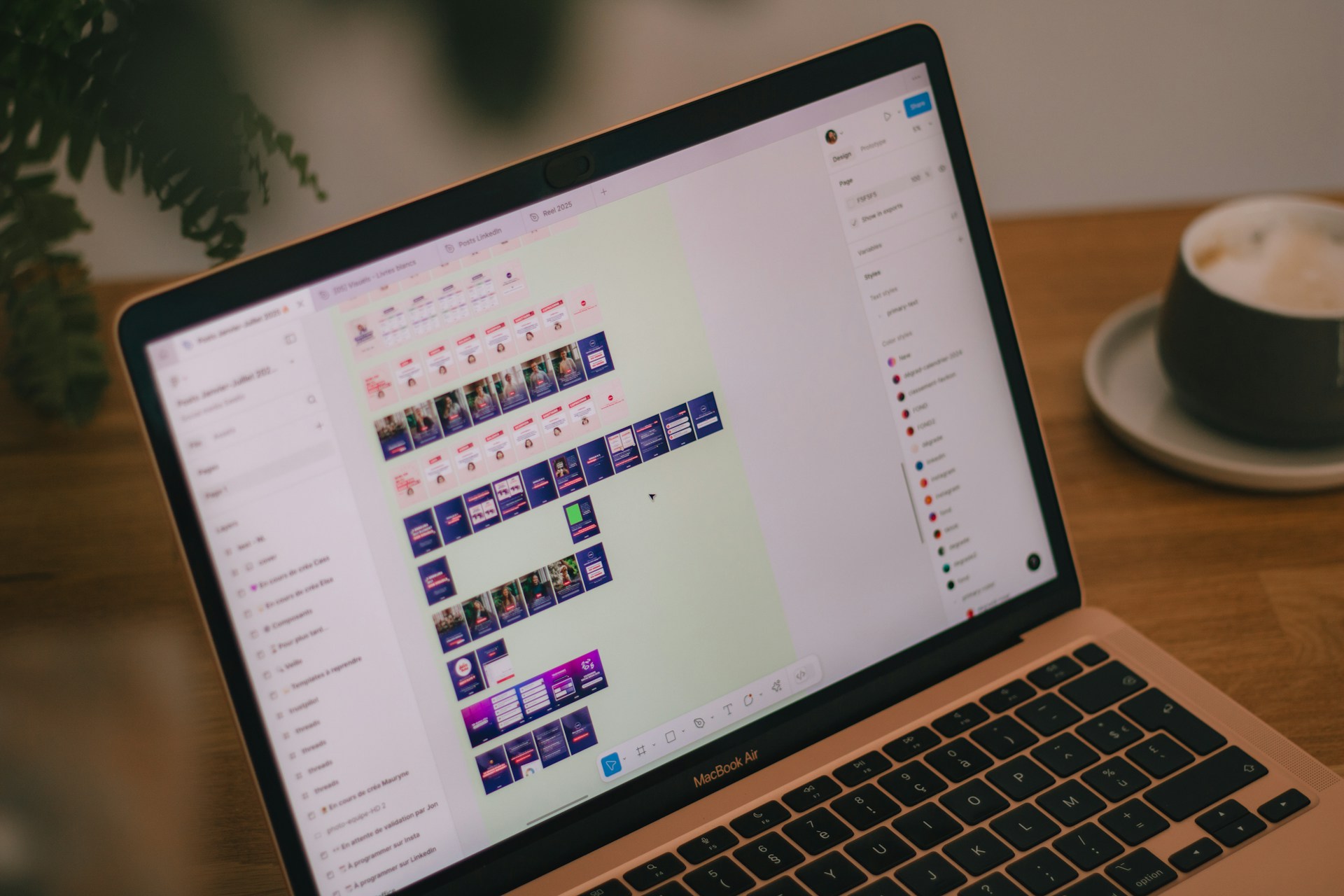 The exact scope depends on the design and functionality required, but a Figma to WordPress project can cover the complete path from approved interface files to a tested WordPress website.
Figma Design Review
Before development begins, we review the supplied Figma file to understand the page structure, repeated components, desktop and mobile states, content patterns, interactions and any functionality that is not fully represented in static screens.
This review is important because the cleanest development handoff is not necessarily the Figma file with the largest number of screens. What matters more is whether components, states, page relationships and expected behaviour are clear enough to implement consistently.
Responsive WordPress Implementation
We translate the supplied layouts into responsive behaviour for desktop, tablet and mobile. Where responsive states are provided in Figma, they guide the implementation. Where they are missing, the required behaviour should be clarified rather than guessed silently during development.
Reusable Components and Page Templates
A Figma file may contain many individual frames, but that does not mean every page needs a separate WordPress template. We identify repeated layouts and components so the implementation can reuse them where appropriate.
This keeps the website easier to maintain and provides a more consistent editing experience as new content is added.
WordPress CMS Setup
The finished website should not require a developer every time ordinary content changes. We consider how headings, text, images, calls to action and repeatable content should be managed inside WordPress while protecting the structure of the approved design.
The right balance matters. Too little editing control creates unnecessary dependency on developers; unrestricted editing can make it easy to break the visual system the Figma design established.
Forms, Interactions and Integrations
Static Figma screens do not always show everything the finished website needs to do. Forms, menus, hover states, accordions, filters, third-party integrations and other interactive elements need defined behaviour before they can be implemented properly.
Where a project includes requirements beyond normal front-end implementation, we identify them during scope review. More complex engineering requirements may also involve our WordPress development services.
Testing and Quality Assurance
Implementation is checked against the supplied design and tested with real website content. Particular attention is given to responsive behaviour, reusable components, navigation, forms, content variation and other elements that can behave differently outside a static Figma frame.
Why Figma to WordPress Is More Than Copying a Design
 Figma describes how an interface should look and, in some cases, how it should behave. WordPress has to turn that interface into a working content system.
A design may show one ideal heading, one image ratio and one carefully written paragraph. The live website has to accommodate different content lengths, changing images, navigation states, form messages and editors adding new material later.
For that reason, professional Figma to WordPress conversion is not simply a matter of reproducing coordinates from a design file. The implementation has to preserve the design logic while making sensible decisions about templates, components, responsive behaviour and content management.
How We Convert Figma Designs to WordPress
1. Review the Figma File and Requirements
We start with the supplied design and project requirements. We look at the expected pages, repeated patterns, responsive layouts, assets, functionality and any areas where the design leaves implementation questions unanswered.
Material gaps or inconsistencies should be identified rather than quietly interpreted. If a missing state could materially change the design or functionality, it is better to agree the intended behaviour before that assumption becomes part of the build.
2. Map Components and Page Types
We identify which elements should become reusable components and which layouts represent genuine page or content types. Twenty designed Figma frames, for example, do not automatically require twenty independently developed templates if several share the same underlying structure.
3. Define Responsive Behaviour
Desktop and mobile designs provide useful reference points, but a live website also has to behave at widths between them. Navigation, columns, typography, images and interactive elements therefore need responsive rules rather than a collection of isolated screen layouts.
4. Build the WordPress Website
The approved design system is implemented in WordPress using an approach appropriate to the project. The objective is to retain the intended visual hierarchy and interactions while creating an editing structure that remains practical after launch.
5. Test With Real Content
Real content is one of the best tests of a design implementation. Longer titles, different image proportions and varying amounts of copy can expose assumptions that were invisible in the original mock-ups.
We use those situations to check that components remain usable without unnecessarily changing the approved visual direction.
6. QA and Launch Preparation
Before launch, the implementation should be checked across relevant screen sizes and common user journeys. Navigation, forms, responsive layouts and interactive behaviour need to work as a connected website rather than as isolated recreations of Figma screens.
Design Accuracy Without Fixed-Pixel Layouts
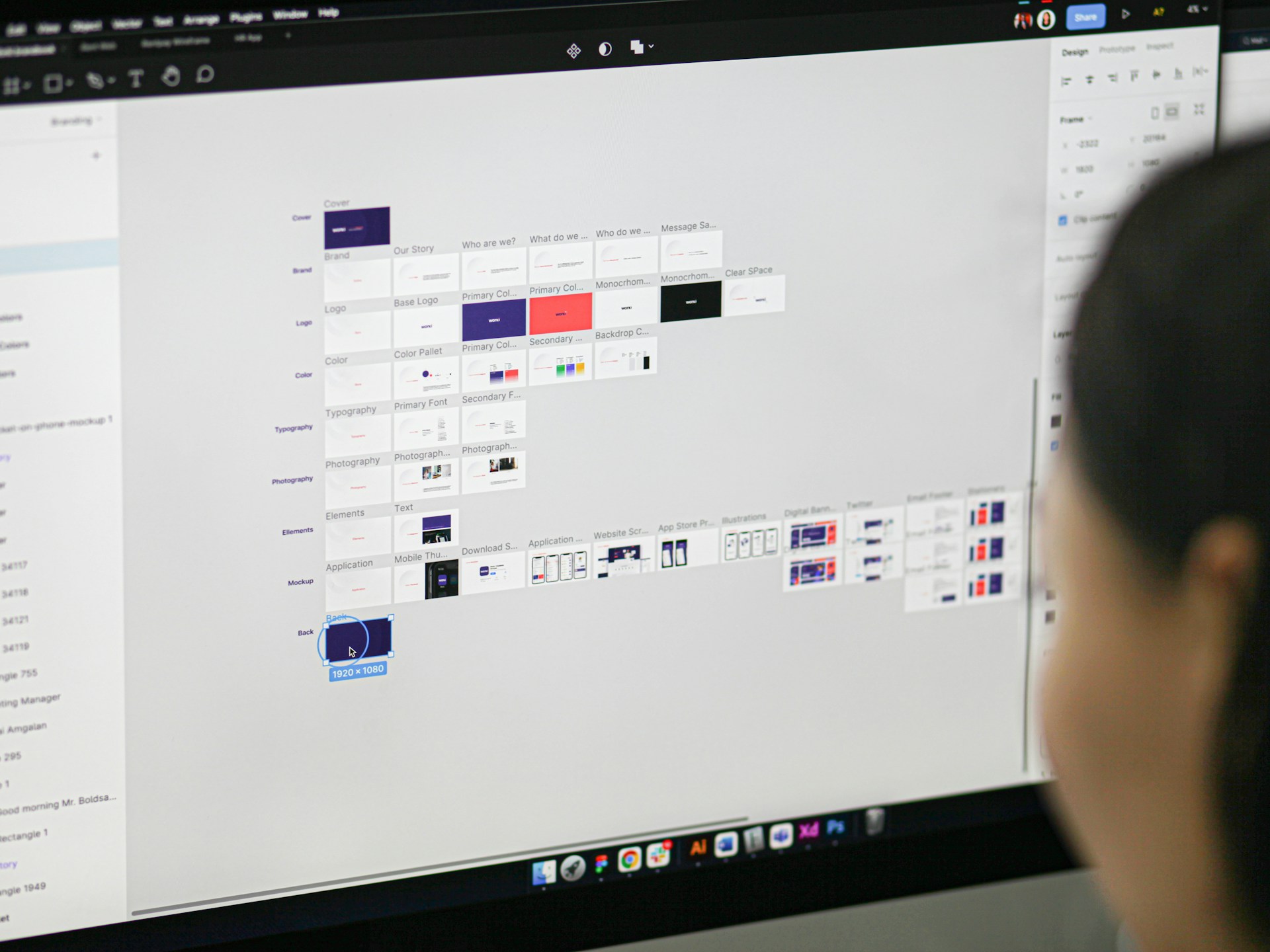 Design accuracy matters. Typography, spacing, hierarchy, imagery, component styling and interaction patterns should reflect the supplied Figma design closely.
But a website cannot be treated as a fixed canvas. Browser widths vary, content changes and users resize text or access the site on devices that were never represented by a specific Figma frame.
Accurate implementation therefore means preserving the design system and its relationships rather than freezing every measurement regardless of context.
When Responsive Designs Are Missing
A Figma project sometimes arrives with detailed desktop layouts but limited or no mobile designs. That does not necessarily prevent development, but it creates decisions that need to be resolved.
We look at how navigation should change, which columns should stack, how spacing and typography should adapt, what happens to large visual elements and how interactive components should behave on smaller screens.
If these choices materially affect the approved design, they should be agreed rather than hidden inside the development process.
Figma Components vs WordPress Components
Repeated Figma components are useful indicators of how a website may be structured, but there is not always a one-to-one relationship between a design component and a WordPress component.
| Figma concept | WordPress consideration | Implementation question |
|---|---|---|
| Repeated visual component | Reusable website component | Should editors be able to reuse it across multiple pages? |
| Component variants | Controlled style or content options | Which variations should be editable without creating unnecessary complexity? |
| Page frame | Page template or composition of components | Is the layout genuinely unique or built from existing patterns? |
| Text layer | Editable content field | What happens when the live copy is shorter or longer? |
| Image placeholder | Media field and responsive image | Which image ratios and cropping behaviours need to be supported? |
| Prototype interaction | Front-end behaviour | What should happen on click, hover, keyboard interaction or smaller screens? |
This mapping stage is one reason an experienced Figma to WordPress developer should look beyond the individual frames. The goal is to understand the system behind them and implement that system sensibly in WordPress.
Figma to WordPress With Elementor or Gutenberg
The appropriate WordPress implementation depends on how the website needs to be edited and maintained. Elementor and Gutenberg can both support Figma-based projects, but the choice should follow the requirements rather than being made simply because a particular builder is familiar.
Elementor
Elementor can be appropriate when visual editing and flexible page composition are important to the people who will manage the site. The Figma design still needs to be translated into a controlled component and layout system rather than recreated as a collection of unrelated page-builder decisions.
Projects where Elementor is a specific requirement can also connect with our Elementor development services.
Gutenberg
Gutenberg can be suitable where the editing experience is built around WordPress blocks and reusable content patterns. The important question is not which option sounds more technical, but which editing model suits the website and the people responsible for maintaining it.
What We Need From Your Figma File
A well-organised handoff can reduce unnecessary questions during development, but the file does not need to be perfect before you contact us. We can review what is available and identify gaps that need clarification.
| Figma input | Why it matters | If it is missing |
|---|---|---|
| Approved page designs | Establishes the visual direction and expected layouts | Design decisions may still need approval before implementation |
| Desktop layouts | Provides the primary structural reference | The development scope cannot be assessed reliably |
| Mobile or responsive states | Clarifies behaviour on smaller screens | Responsive decisions need to be defined during implementation |
| Component states | Shows variations and interactive behaviour | States such as hover, active or expanded may need clarification |
| Fonts and assets | Supports accurate visual implementation | Suitable files or usage information may need to be supplied |
| Content | Allows layouts to be tested against realistic material | Placeholder content may hide issues that appear later |
| Functionality requirements | Defines what the website must do beyond the static interface | Forms, integrations and interactions may remain outside the initial scope |
What Affects Figma to WordPress Project Complexity?
Page count matters, but it is rarely the only useful measure of development complexity. A larger website built from a small number of consistent templates can be more straightforward than a smaller website containing many unique layouts, interactions and integration requirements.
Important scope factors include:
- the number of genuinely different page and content types;
- the consistency of the Figma component system;
- responsive designs and missing states;
- the level of CMS editing required;
- forms and interactive functionality;
- third-party integrations;
- content readiness;
- the amount of clarification required before implementation.
If the Figma project includes substantial custom functionality beyond normal website implementation, the work may overlap with custom WordPress engineering and development. We keep that distinction clear so a straightforward conversion project does not become unnecessarily complex.
How Much Does Figma to WordPress Cost?
The cost of a Figma to WordPress conversion depends on the implementation scope. We do not treat the number of Figma screens alone as a reliable pricing measure because screens may reuse the same components and templates, while a smaller design can contain more complex functionality.
Pricing is influenced by the number of unique layouts, responsive requirements, component complexity, CMS editing requirements, interactions, forms, integrations and the condition of the supplied design files.
Once we have reviewed the Figma file and requirements, we can define the scope more accurately rather than pricing the project from screenshots or page count alone.
What Affects the Development Timeline?
Development time depends on more than the number of pages. A clear, approved design with consistent components and defined responsive behaviour reduces uncertainty. Missing states, changing requirements, complex integrations and incomplete content can add decisions during implementation.
Client approvals also matter. Where an implementation question changes the intended design or functionality, resolving it promptly helps prevent later rework.
We therefore assess the timeline against the actual Figma file and requirements rather than promising a standard turnaround that may not fit the project.
Figma to WordPress vs Custom WordPress Web Design
These services start at different points.
Figma to WordPress is appropriate when the website has already been designed and you need that approved design implemented in WordPress.
Custom WordPress web design is appropriate when the design itself still needs to be created, including information architecture, UX decisions, visual direction and the wider design system.
If you have requirements but not a completed Figma design, our custom WordPress web design service is the more relevant starting point.
If you already have a WordPress website and want to improve its design, structure or user experience rather than implement a new Figma design, see our WordPress website redesign service.
Is Figma to WordPress Right for Your Project?
| Your situation | Likely approach | Why |
|---|---|---|
| You have approved Figma designs and need them built in WordPress | Figma to WordPress | The design stage is substantially complete and implementation is the main requirement |
| You have desktop designs but limited mobile layouts | Figma to WordPress with responsive clarification | The existing design can guide development, but missing responsive decisions need to be resolved |
| You have wireframes or ideas but no finished visual design | Custom WordPress web design | Important UX and visual design decisions still need to be made |
| You have an existing WordPress website that needs substantial improvement | WordPress website redesign | The starting point is an existing website rather than an approved new interface |
| Your Figma design depends on complex custom functionality | Figma implementation plus WordPress development | The interface and engineering requirements need to be planned together |
You can also explore our broader WordPress web design services if you are still deciding which route fits the project.
Relevant WordPress Development Experience
Prime Lion Digital’s broader WordPress and website delivery work includes Audit Consulting Group, Freizeit Camper and Construction & Repair Work. These projects demonstrate related website delivery experience rather than being presented here as confirmed Figma-to-WordPress case studies.
For this service, the more relevant evidence is the implementation approach itself: reviewing the design before development, identifying reusable structures, resolving missing behaviour, planning the CMS around real content and checking the completed website as a working system rather than as a collection of static screens.
Frequently Asked Questions
What is Figma to WordPress?
Figma to WordPress is the process of taking an existing website design created in Figma and implementing it as a functioning WordPress website. The work typically includes responsive layouts, reusable components, CMS editing, interactions and testing rather than simply copying the appearance of individual frames.
Can you convert a Figma design to WordPress?
Yes. If you provide the Figma design and project requirements, we can review the layouts, components, responsive states and required functionality before defining the implementation scope.
Can Figma be imported directly into WordPress?
A Figma design should not be treated as a finished WordPress website. Automated tools may generate parts of an interface or code, but a production implementation still needs decisions around responsive behaviour, components, CMS editing, functionality and maintainability.
How much does Figma to WordPress cost?
Cost depends on the number of unique layouts and components, responsive requirements, CMS structure, functionality, integrations and the completeness of the Figma handoff. We review the design before defining the project scope rather than pricing solely by the number of screens.
Can you convert Figma to WordPress with Elementor?
Elementor can be used where its editing model suits the project. The implementation should still follow the Figma design system and use controlled reusable structures rather than building every page independently.
Will the WordPress website match my Figma design?
The implementation should preserve the approved visual direction, including typography, spacing, hierarchy, imagery and component styling. Responsive behaviour and real content mean that a live website cannot be treated as a fixed-pixel image at every screen width.
What if my Figma file only includes desktop designs?
Development may still be possible, but mobile and intermediate responsive behaviour will need to be defined. Important decisions around navigation, layout stacking, spacing, typography and interactive components should be clarified where they materially affect the approved design.
What happens if the Figma design changes during development?
Changes can affect components, responsive behaviour, templates and completed development work. Material changes should therefore be identified and scoped clearly rather than being absorbed as hidden implementation assumptions.
Can I edit the website after the Figma design has been converted to WordPress?
The WordPress editing experience can be planned around the content that needs to change after launch. The objective is to provide practical editing control without making it unnecessarily easy to break the design system.
Send Us Your Figma Design
If your Figma design is ready and you need a WordPress developer to turn it into a working website, send us the Figma link together with the expected page scope and any functionality or integration requirements.
We can review the design, identify the main implementation requirements and discuss whether the project is a straightforward Figma to WordPress conversion or needs additional WordPress development.
Contact Prime Lion Digital to discuss your Figma to WordPress project.